Consolidate P&L, balance sheet and cash flow across all your entities and work with your team, advisors and clients from a single set of numbers. You decide who sees what.
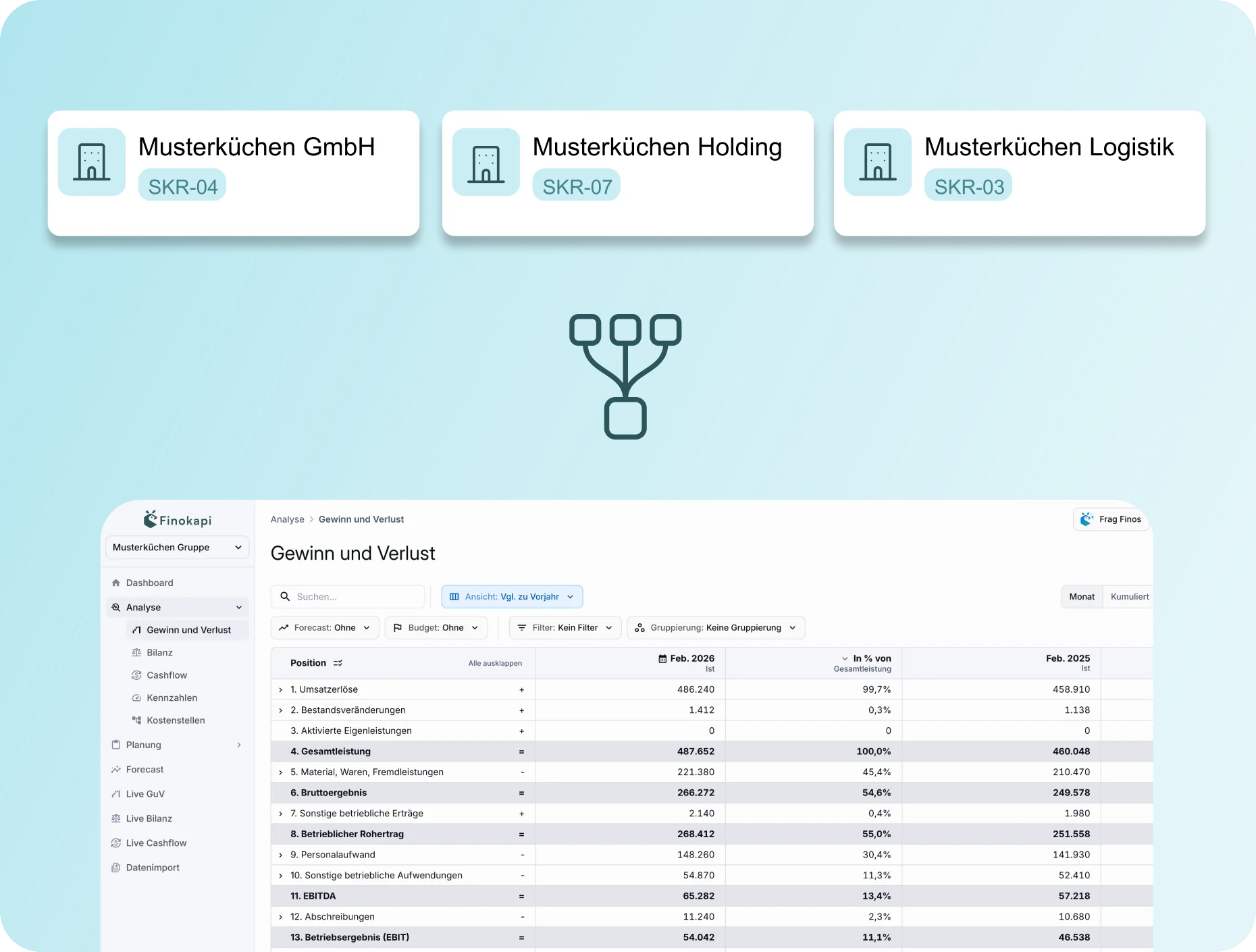


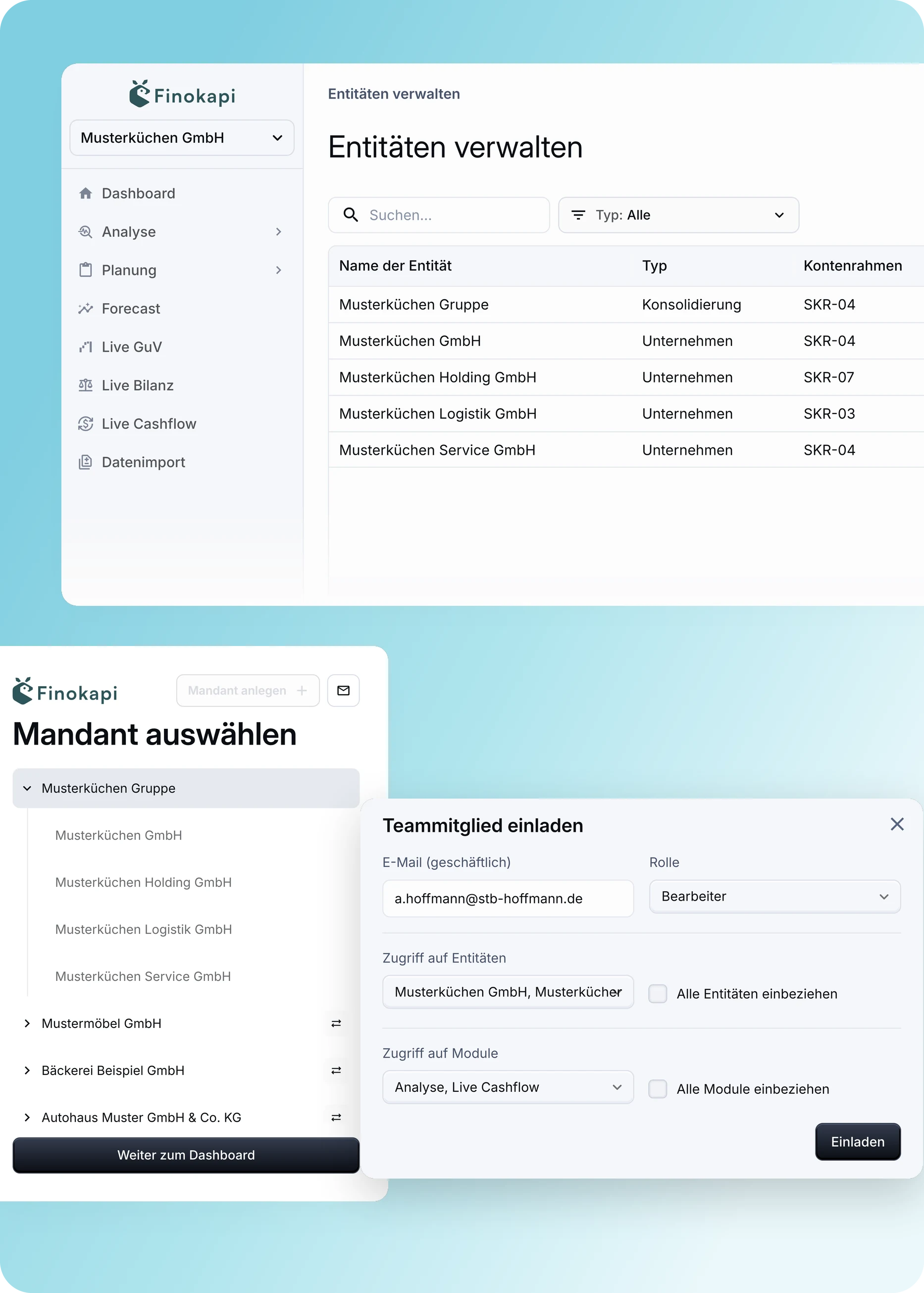
Set up all your entities in one account and switch between them with one click, each with its own chart of accounts and fiscal year start. Depending on your plan, up to 10 entities are included, and you can add more at any time. That way you manage all your entities or clients in one account, however many there are.
Entities can be grouped into a consolidation group, and Finokapi brings their figures together in one consistent structure, even across different charts of accounts. You see the whole group without pulling numbers together in Excel, and you can switch to any single entity whenever you need to.
Assign roles like admin, editor or viewer and decide for each person which entities and modules they can use. Management sees everything, an external advisor only the reports, and HR maintains nothing but payroll data.
Invite team members, advisors and clients by email and set which entities and modules they can use. Everyone finds their way around straight away and works with their numbers without a long learning curve. You can invite as many users as you like, at no extra cost per user.
As a tax advisor, fractional CFO or consulting firm, you manage all your clients in one place and switch between them with one click. Instead of emailing PDFs and Excel files back and forth, you analyse and plan together in the same environment.
Your financial data is processed in line with GDPR and stored in ISO 27001-certified data centres within the EU. It's encrypted both in transit and at rest.



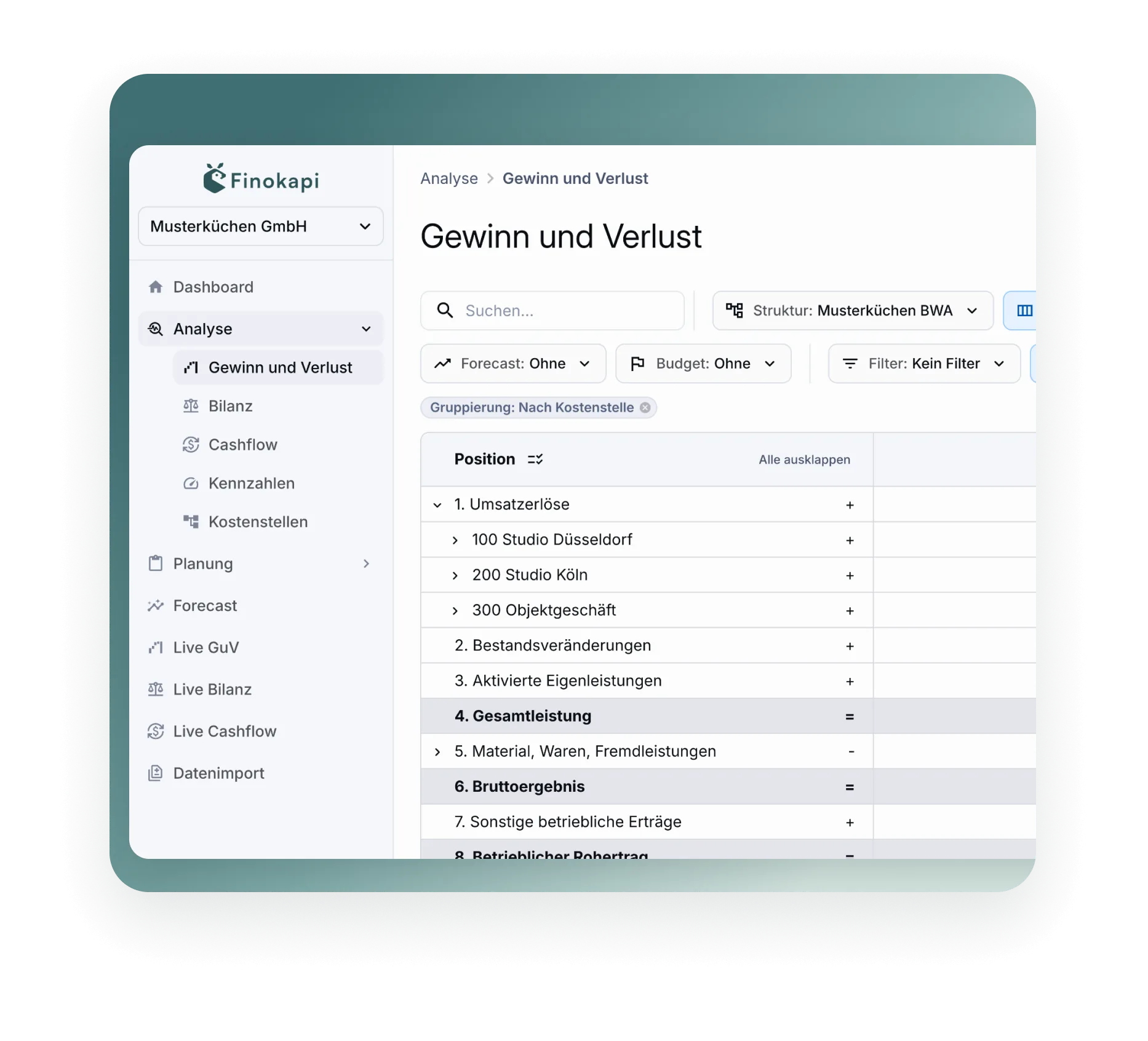
The financial data is presented in a way that even clients without a commercial background immediately understand where they stand. That makes client conversations far more pleasant than working with the reports you get straight out of DATEV and the like. And I manage all my clients in one account.

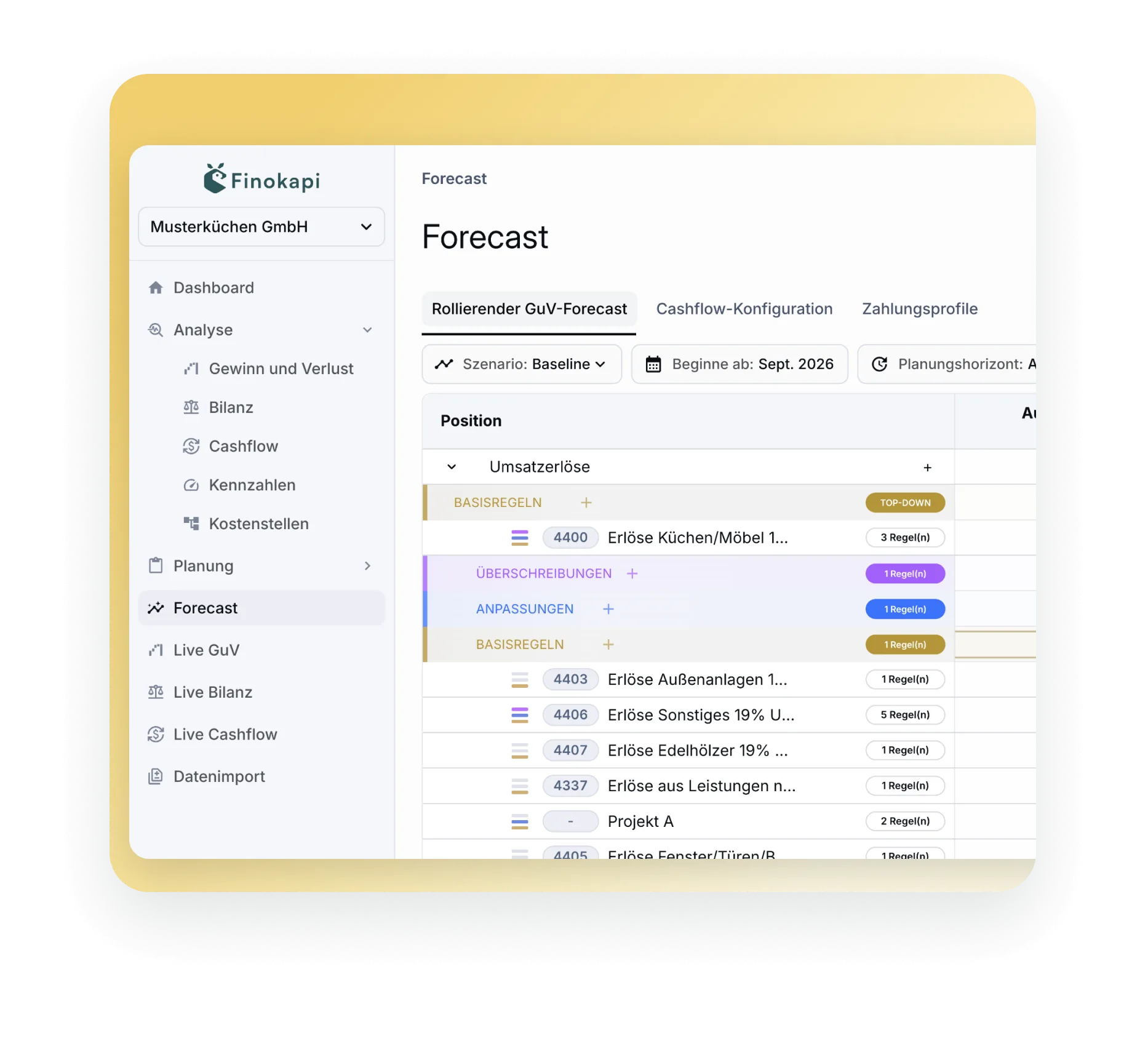
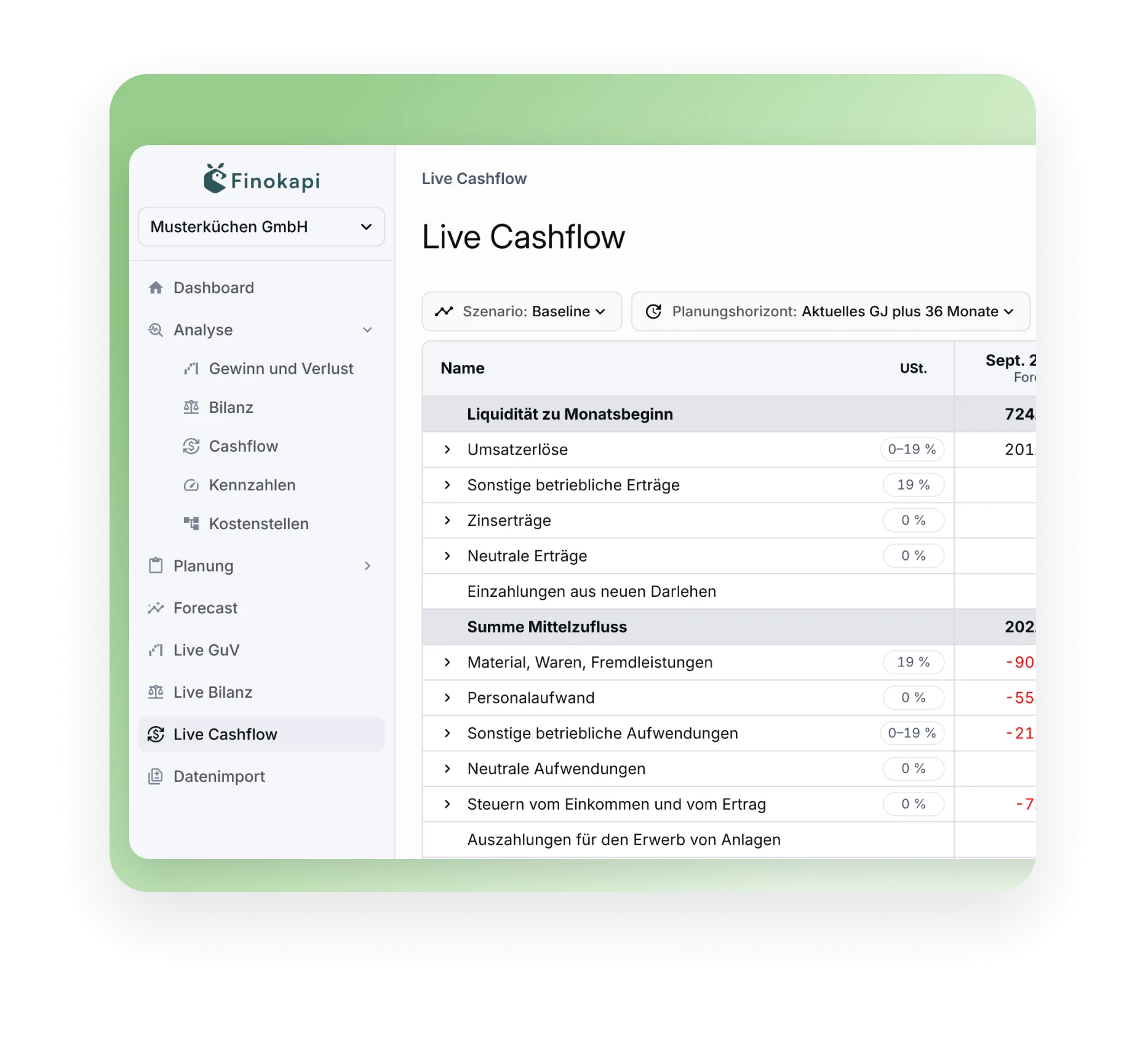
Try Finokapi free for 14 days.
In one Finokapi account you can manage as many entities as you need, each with its own chart of accounts. The Enterprise plan includes ten entities, and you can add more at any time.
Finokapi merges the P&L, balance sheet and cash flow of all your entities into one structure while each entity keeps its own chart of accounts. You see the group view and can drop into any single entity at any time, without pulling numbers together by hand.
Finokapi has four roles, owner, admin, editor and viewer. You decide for every entity and every module what each user can access, for example only the payroll planning of one entity.
Additional users don't cost anything, so you can invite as many people as you like. We believe the best financial decisions happen when everyone works from the same numbers, so we don't gate that behind per-user pricing.
You can invite external advisors at any time and assign them the right roles and access. They'll only see the entities and modules that are relevant to their work.
You manage all your clients in one account and use roles to control who sees what. That cuts down on data prep, makes working with clients easier, and lets you work on analyses and plans together, directly in Finokapi.
Your financial data is encrypted in transit and at rest, processed in line with GDPR, and hosted in ISO 27001-certified data centres in the EU. Individual access rights let you control exactly who sees which data.
For the day-to-day management of your group, you don't need separate consolidation software. Finokapi brings the P&L, balance sheet and cash flow of your entities into one group view with shared KPIs, and you can switch to any single entity at any time. That covers what a separate tool or an Excel file usually ends up doing.