

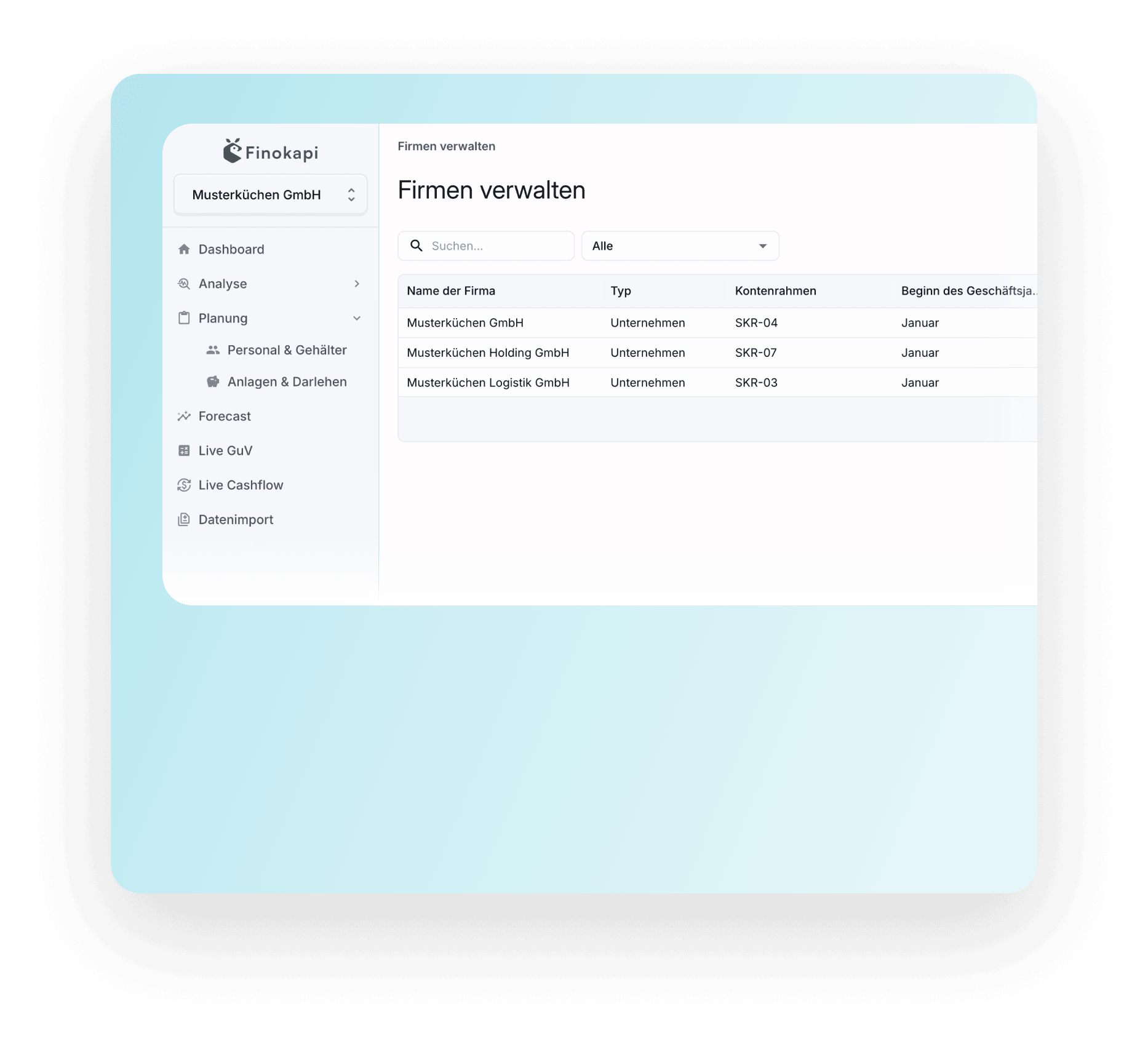
Connect DATEV directly via API, or import data from other systems. Your accounting and HR data lands in Finokapi ready to use, no manual prep required.
.png)

.png)


.png)


.svg)




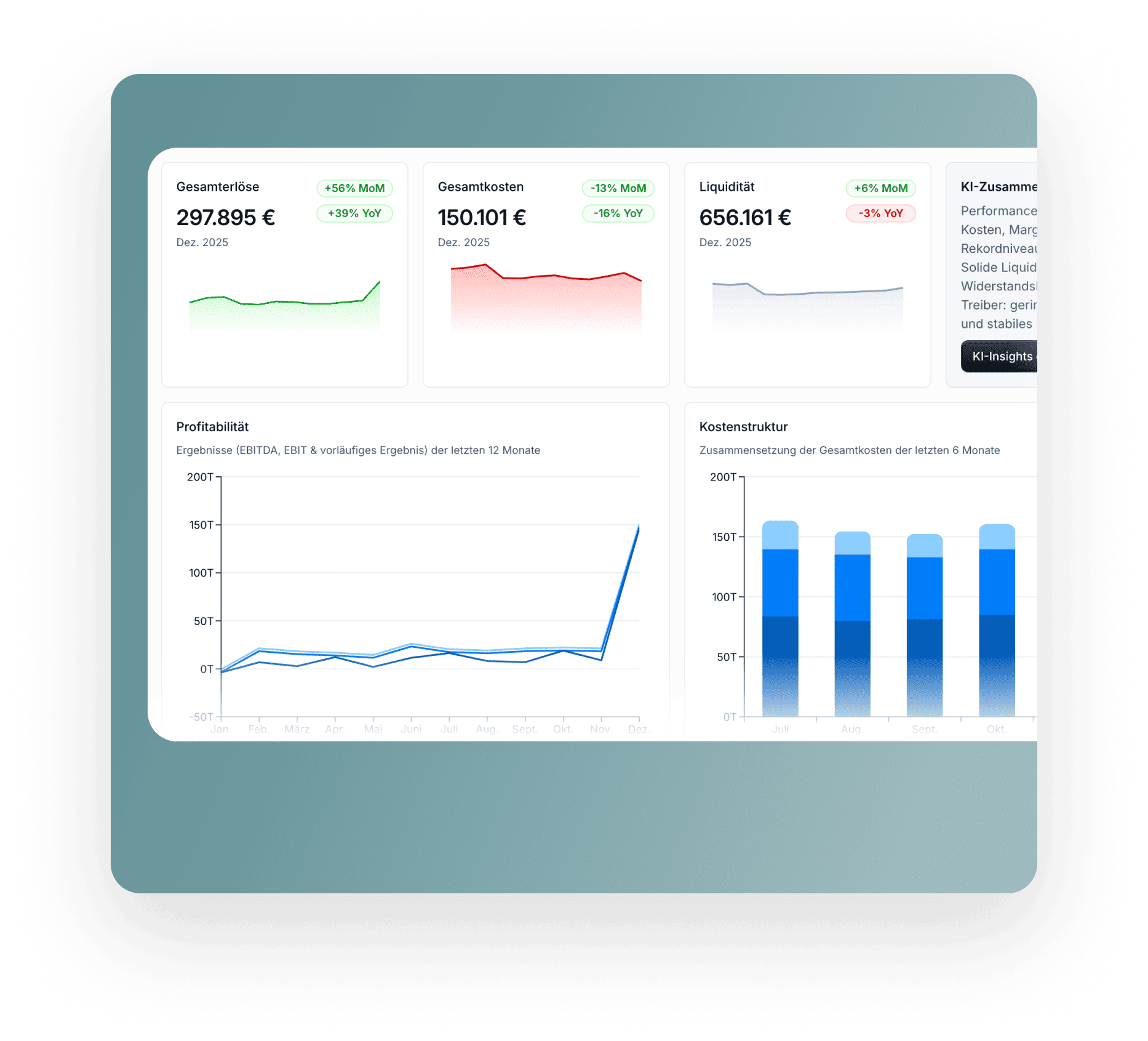
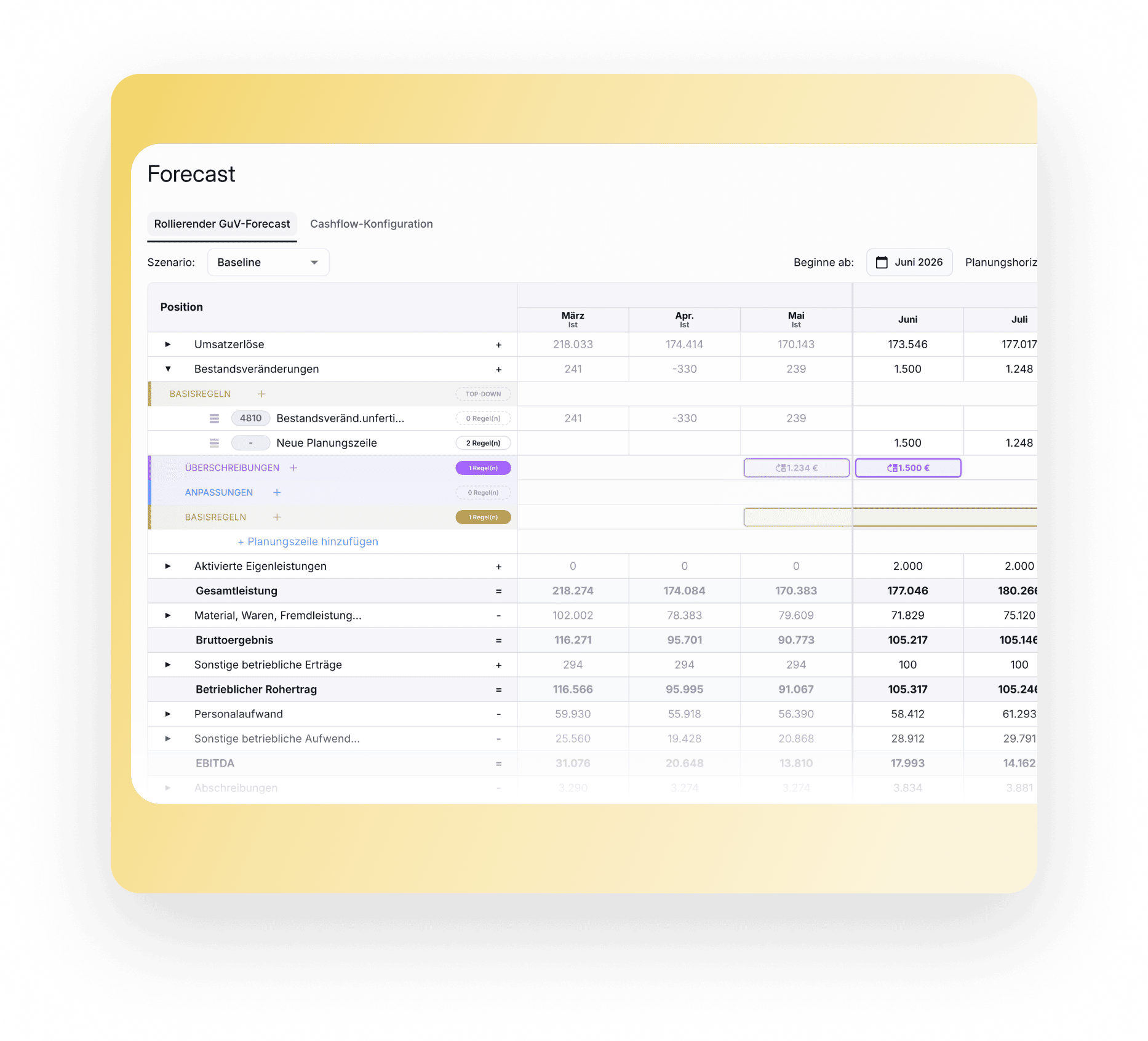
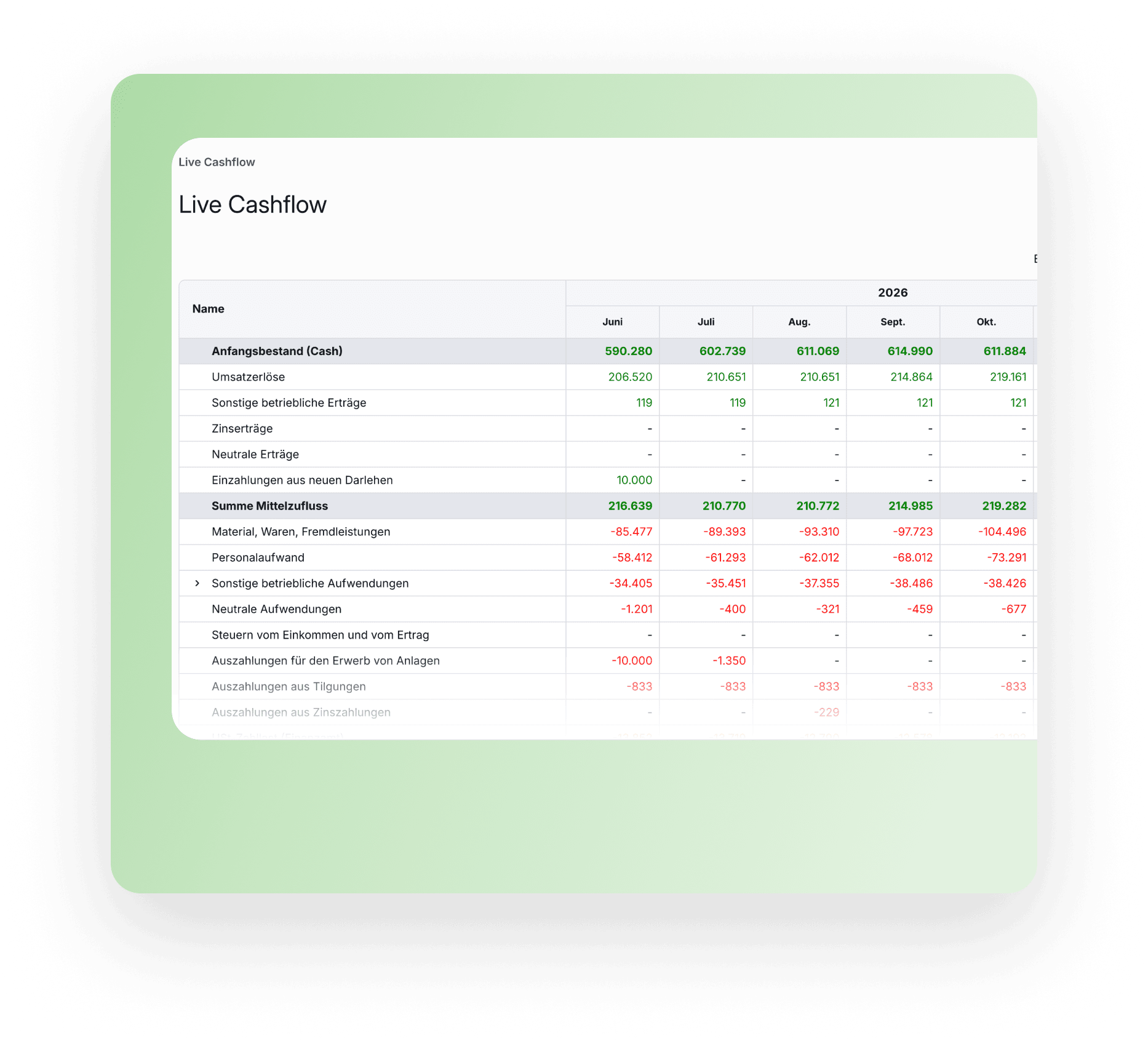
Your accounting data drives your P&L, balance sheet, cash flow and KPIs.

Pull salaries and other staff costs straight into your plan, no manual re-entry needed.
Try Finokapi free for 14 days.
You can connect DATEV directly via API. Data from systems like Lexware, sevDesk, Agenda or Addison comes in via CSV import. Other systems can be connected too, as long as they can export the required data in a suitable format.
You only connect once. After that, Finokapi fetches your accounting data automatically via the API; there's nothing to export or upload. New transactions show up in your reports after the next sync.
Via CSV import. After a one-time setup, you upload the export file from your system and pull the data into Finokapi.
Finokapi processes accounting data as well as HR and payroll data. Depending on the data type, it feeds into reports, analysis, planning and forecasts.
In most cases, yes. As long as your system can export the data in a suitable CSV format, it can be connected. Tell us what you use and we'll check.
No. Finokapi reads and analyses your accounting data; it doesn't replace your accounting system or your tax advisor.
You can still connect DATEV to Finokapi. Your tax advisor just needs to set up the necessary data access with you.
In the data import screen you select your system as the data source and get a short guide on exporting the trial balance in the right format. You then upload the file and start the import. Finokapi runs a plausibility check on the balances and shows you what was imported for each fiscal year and how far the books are posted.



.png)